Mobile App UI/UX Design
Services
User flows, wireframes and pixel-perfect UI for Android and iOS apps following Material Design and Apple Human Interface Guidelines.
- Guidelines followed
- iOS + Android
- Guidelines followed
- Usability testers
- 5+
- Usability testers
- Weeks typical
- 3–6
- Weeks typical
Overview
What is Mobile App UI/UX Design?
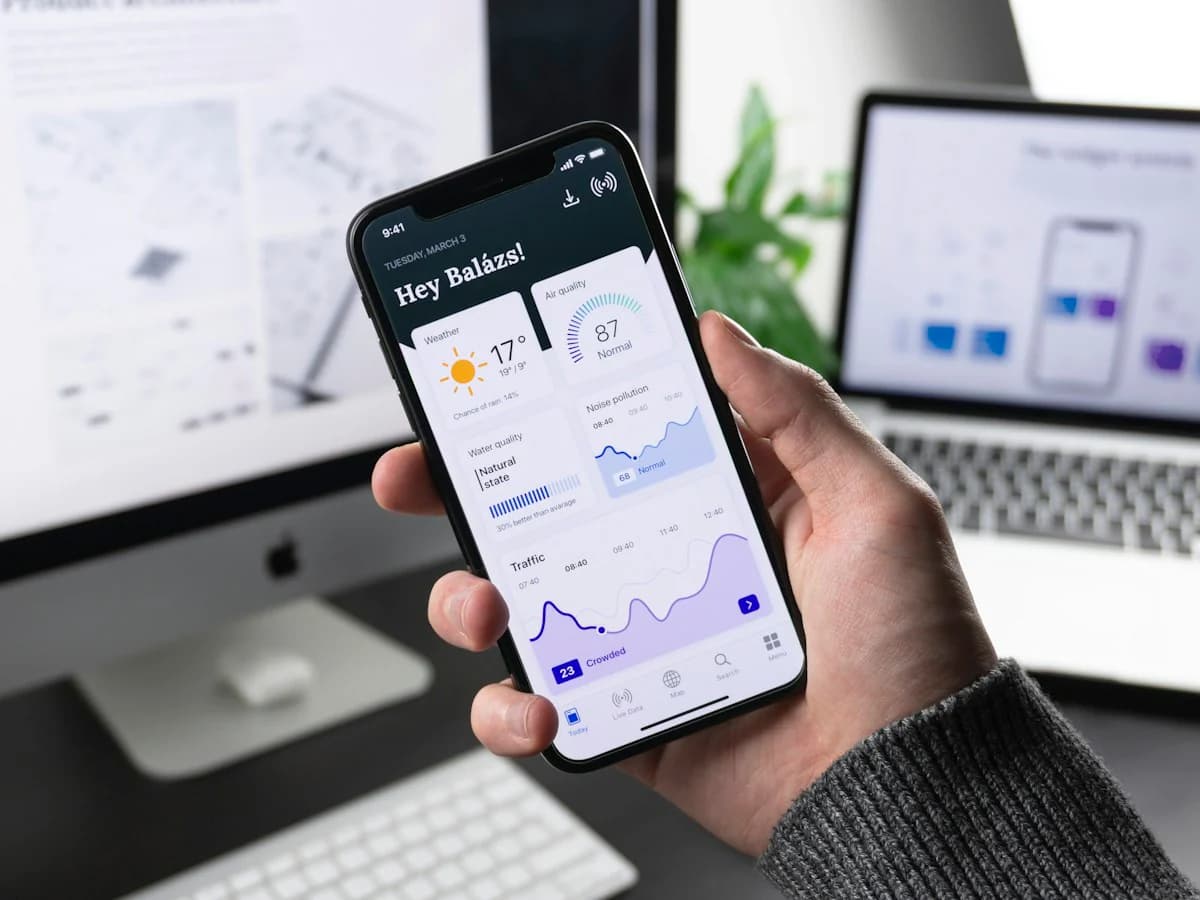
Intuitive app interfaces for Android and iOS.
In mobile apps, small details decide whether users stay or uninstall. Clear navigation, readable screens, thumb-friendly controls and smooth interactions turn first-time users into loyal ones.
We design mobile app experiences that follow Apple's Human Interface Guidelines and Google's Material Design, validated with real users before development begins. You get user flows, wireframes, polished UI, micro-interactions and a reusable design system for your app.
Scope of Work
What We Deliver
User Flows & Journeys
Mapped journeys for onboarding, core tasks and edge cases.
Wireframes
Screen layouts and navigation agreed before visual design.
App UI Design
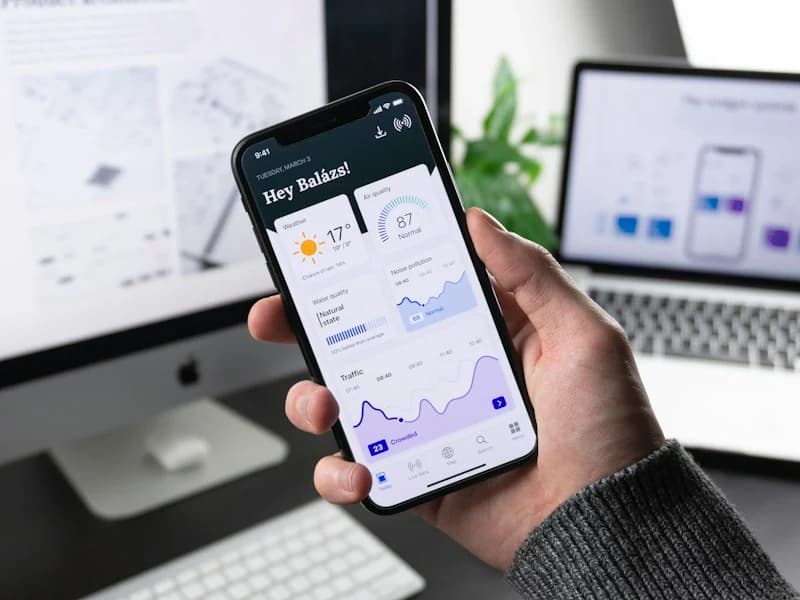
Beautiful, platform-appropriate screens for iOS and Android.
Micro-Interactions
Animations and feedback that make the app feel responsive.
Usability Testing
Prototype tests with real users to catch problems early.
App Design System
Reusable components and styles for consistent future screens.
Value Proposition
Key Benefits
Higher Retention
Easy-to-use apps keep users coming back.
Better Store Ratings
Good UX leads to better reviews.
Lower Dev Rework
Problems fixed in design, not in code.
Faster Onboarding
Users understand the app in their first session.
How We Work
Our Mobile App UI/UX Design Process
- 01
Research
Users, competitors and core use cases.
- 02
Flows & Wireframes
Structure and navigation defined.
- 03
UI & Prototype
Visual design and interactive prototype.
- 04
Test & Handoff
Usability testing, refinements and developer handoff.
Tools & Platforms
- Figma
- Protopie
- Lottie
- Maze
- Material Design 3
- Apple HIG
Who It's For
- Startups building a new app
- Businesses redesigning an existing app
- Teams with poor app ratings
- Development teams needing UI
Mobile App UI/UX Design FAQs
Clear, transparent answers to help you make informed security and digital growth decisions.
Do you test designs with real users?
Yes. We run usability tests on prototypes before development to catch problems early when they are cheap to fix.
Can you redesign my existing app?
Yes. We start with a UX audit of your current app and user feedback, then redesign the screens that matter most.
Do you create app store screenshots?
Yes. We can design App Store and Play Store screenshots and preview graphics as part of the project.